Why Does the Internet Feel Slow Even When the Connection Is Fast?

Why Does the Internet Feel Slow Even When the Connection Is Fast?
You’ve probably experienced it: your broadband plan promises lightning-fast speeds, yet websites take their time to load, videos buffer, or online meetings lag. It feels frustrating — if the connection is fast, shouldn’t everything work smoothly? The truth is that the experience of speed on the internet depends on more than just the number your provider advertises. Let’s explore why the internet can feel slow, even when your connection is technically fast.
Speed Isn’t the Same as Responsiveness
When you buy an internet plan, the speed — say 100 Mbps or 1 Gbps — refers to how much data can be transferred per second. But that doesn’t tell the whole story. The perceived speed also depends on latency (delay) and stability (jitter).
A connection can have high bandwidth but still feel sluggish if there’s a delay before data starts moving. Think of it like a wide highway where cars must wait at a red light before they can go — the road is big, but the wait makes it feel slow.
Læs også:
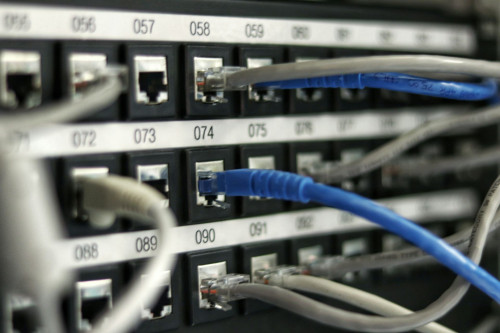
Latency: The Hidden Bottleneck
Latency measures how long it takes for a signal to travel from your device to a server and back, usually in milliseconds. The longer the distance and the more network hops in between, the higher the latency.
- Geographical distance matters. If you’re in India and accessing a website hosted in the US or Europe, data must travel thousands of kilometres back and forth.
- Network congestion on local or international routes can add delay, especially during peak hours.
- Wireless connections like Wi-Fi or mobile data often have higher latency than wired ones because of interference, signal loss, and shared bandwidth.
Even small delays can be noticeable in video calls, online gaming, or real-time collaboration tools, where you expect instant responses.
Wi-Fi: The Invisible Culprit
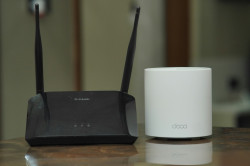
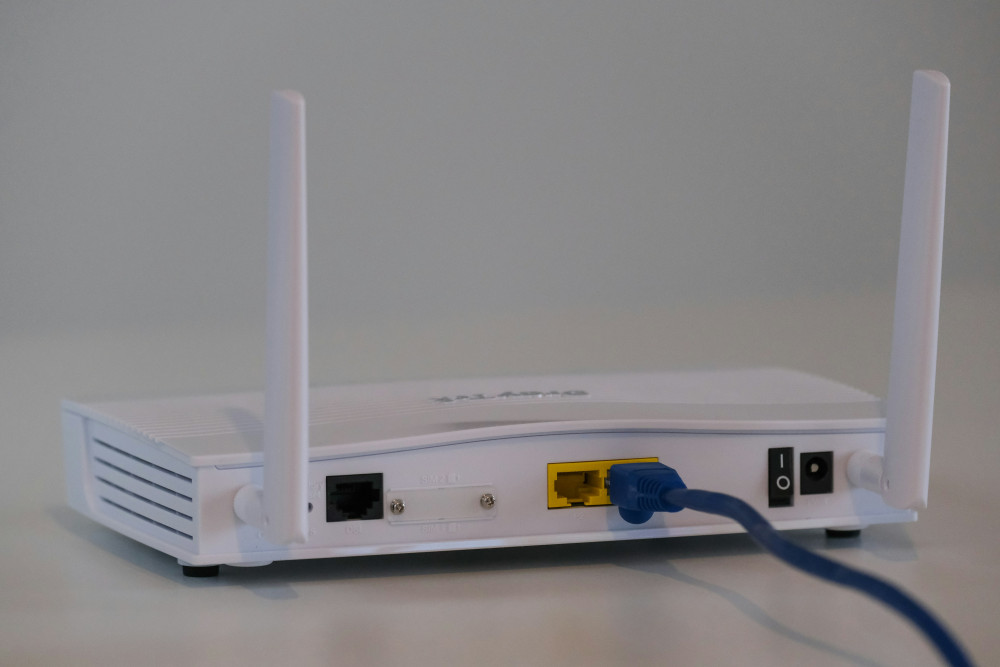
Many people blame their internet provider when the real issue lies within their home network. Wi-Fi signals can weaken as they pass through walls, furniture, or even water tanks. In Indian homes, thick concrete walls and multiple floors can make this worse.
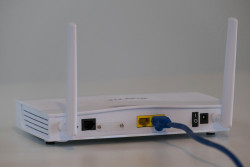
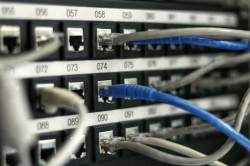
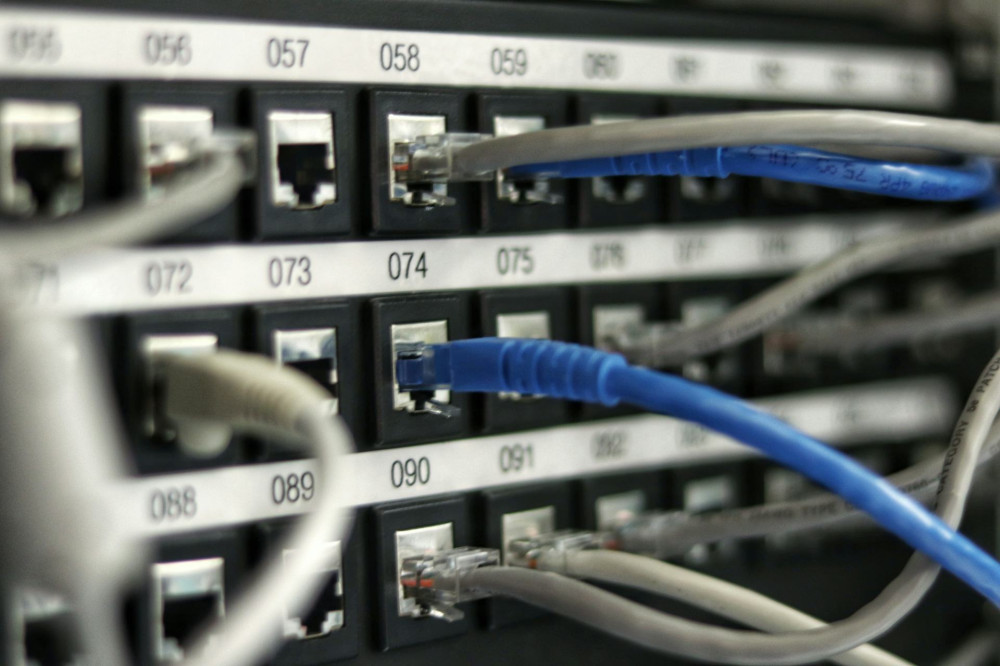
If you’re far from the router, your device may struggle to maintain a stable connection, causing pages to load slowly or videos to buffer. A simple test is to connect your laptop directly to the router with a cable. If everything suddenly feels faster, your Wi-Fi setup is the bottleneck.
Shared Connections and Household Load
In most Indian households, one broadband connection serves multiple users and devices — smartphones, smart TVs, laptops, and IoT gadgets. When several people stream, download, or attend online classes at the same time, the available bandwidth gets divided.
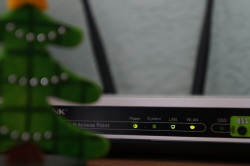
Even with a high-speed plan, your router might struggle to manage all that traffic efficiently. Some modern routers support Quality of Service (QoS) settings, which let you prioritise important activities like video calls over background downloads.
The Server’s Speed Matters Too
Your connection can only be as fast as the server you’re connecting to. If a website’s server is overloaded or located far away, it will respond slowly no matter how fast your broadband is.
Large platforms like YouTube, Netflix, and Amazon use Content Delivery Networks (CDNs) with servers in India to ensure quick access. But smaller websites or international services without local servers can still feel slow.
Device and Browser Performance
Sometimes, the problem isn’t the internet at all — it’s your device. An outdated phone, a cluttered browser, or too many background apps can make everything feel sluggish.
Clearing your browser cache, closing unused tabs, and keeping your system updated can make a noticeable difference. Similarly, restarting your router occasionally helps refresh the connection and fix minor glitches.
How to Make Your Internet Feel Faster
You can’t control everything about your connection, but a few practical steps can improve your experience:
- Use a wired connection for desktops or work setups — it’s faster and more stable.
- Place your router centrally and away from walls or metal objects.
- Update your router’s firmware to fix bugs and improve performance.
- Switch to the 5 GHz Wi-Fi band if your router supports it — it’s less crowded and faster over short distances.
- Monitor connected devices and limit heavy downloads during important tasks.
- Choose a reliable ISP with good local infrastructure and customer support.
Fast Internet Is About More Than Speed
When the internet feels slow, it’s rarely because your connection is truly bad. More often, it’s a mix of latency, Wi-Fi issues, server delays, and device performance. Understanding these factors helps you pinpoint the real cause — and sometimes, the solution isn’t upgrading your plan, but optimising what you already have.
Læs også: